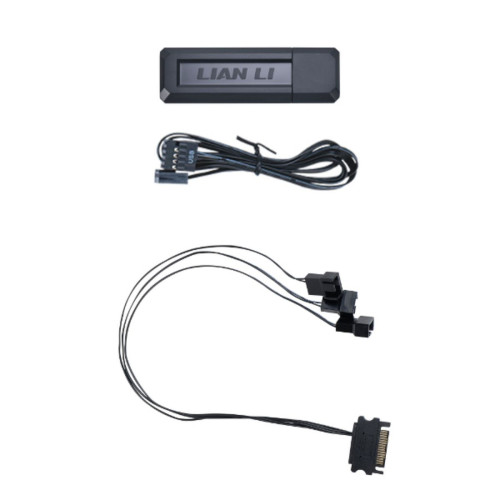
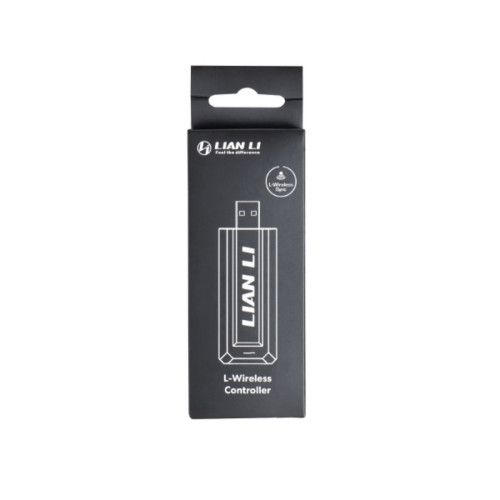
Lian Li RF Wireless Controller Kit (L‑Wireless)
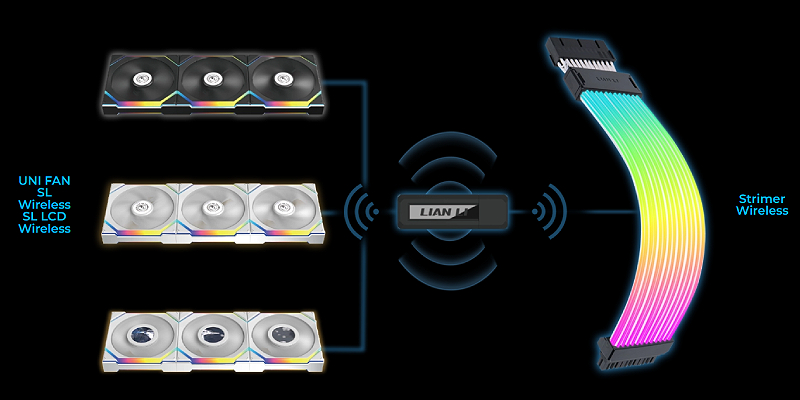
The L‑Wireless wireless controller is the ideal control hub for centralized, cable‑free management of all LIAN LI products that support L‑Wireless Sync. It simplifies installation, keeps the case interior clean, and enables convenient, intuitive control of all compatible lighting and cooling components.
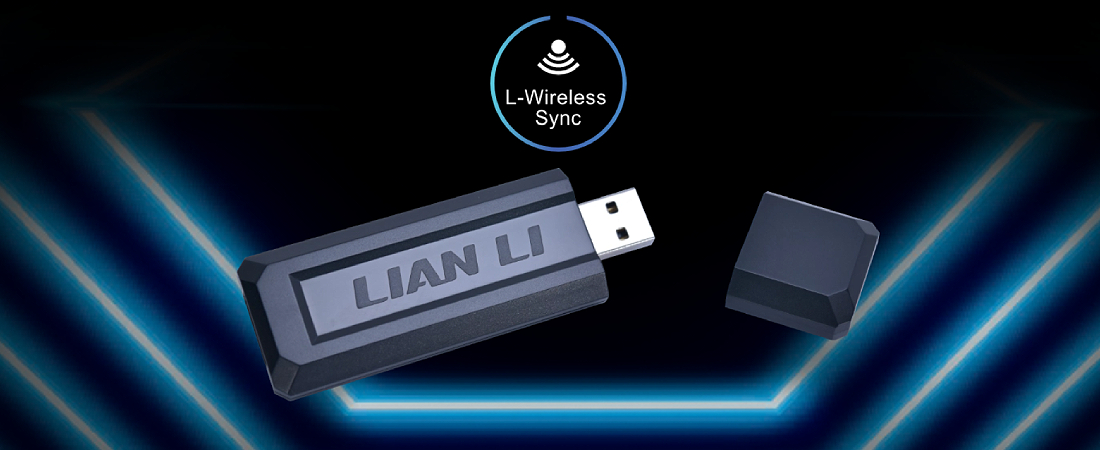
Simultaneous control of all components
Control ARGB lighting and fan speeds across all LIAN LI products compatible with L‑Wireless Sync using a single controller. Quickly switch lighting modes, synchronize effects system‑wide, and set different profiles—all from one place and without complicated wiring.
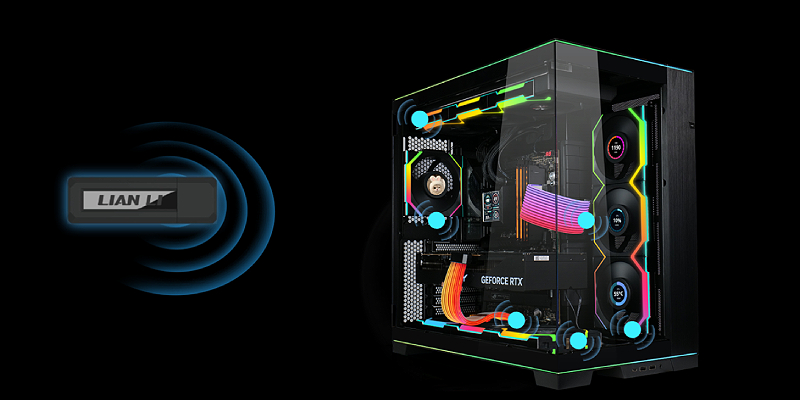
2.4GHz wireless connectivity
A stable 2.4GHz wireless connection enables transmission of up to 10 channels simultaneously for smooth communication between the controller and all devices connected via the receiver. You'll get minimal latency, consistent operation, and a reliable reception range even in large, multi‑component cases.
The controller is designed with the future in mind—expanding support for new LIAN LI products will ensure a modular system that can be easily expanded, customized, and updated without replacing the infrastructure.
Simple and flexible installation
Installation is especially easy, with two motherboard connection options to suit your needs: a connection for lighting synchronization via ARGB, or a PWM connection for managing fan speeds directly through the controller or the motherboard—so you can choose the setup that fits your system.
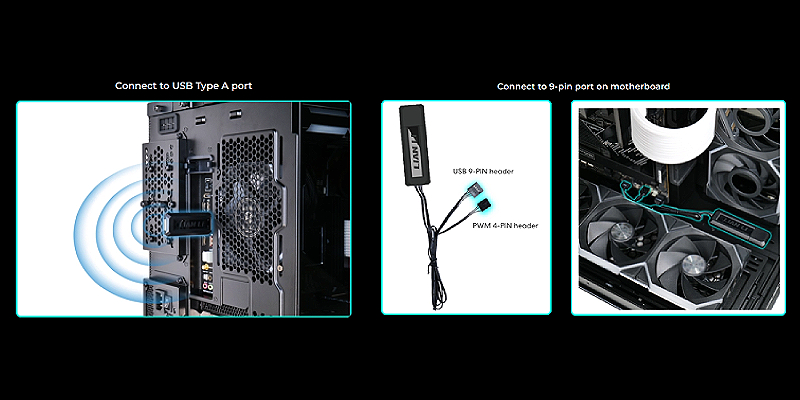
Note: To synchronize fan speeds with the motherboard, use the second connection option and ensure that the PWM cable from the controller is connected to the motherboard’s PWM header for proper and reliable operation.
Additional power supply for fans
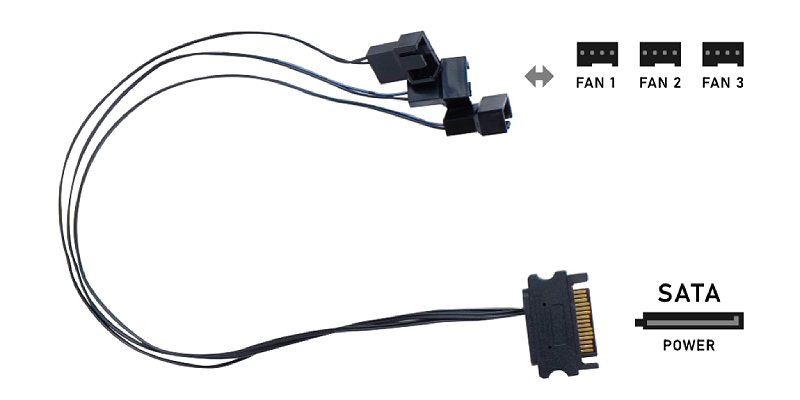
The kit includes a 3×12V PWM‑to‑SATA adapter that adds dedicated power for high‑power fans and reduces the load on the motherboard’s PWM headers. If the motherboard’s PWM output supplies less than 1A and a white flicker is observed at startup, it indicates an unstable power supply.
In such a case, connect the fan to another PWM header or use the included SATA adapter for stable and quiet operation. It is recommended to distribute loads across the outputs and maintain clean wiring to ensure optimal airflow.