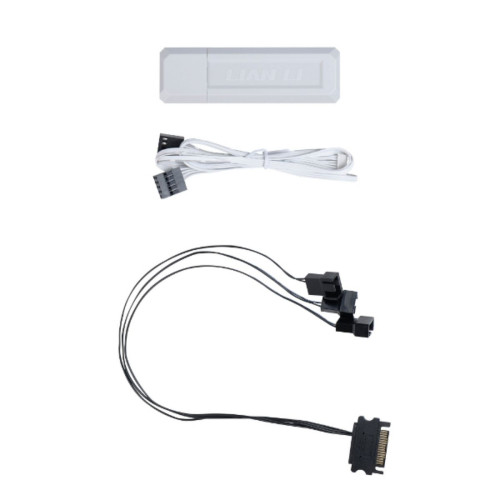
Lian Li RF Wireless Controller Kit
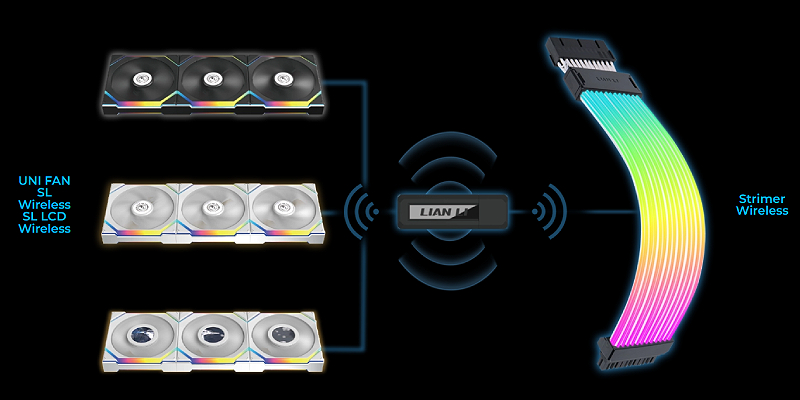
LIAN LI’s L‑Wireless controller is a smart, compact wireless control hub that consolidates all lighting and fan speed management for L‑Wireless Sync–compatible products—without cable clutter and with intuitive remote operation.
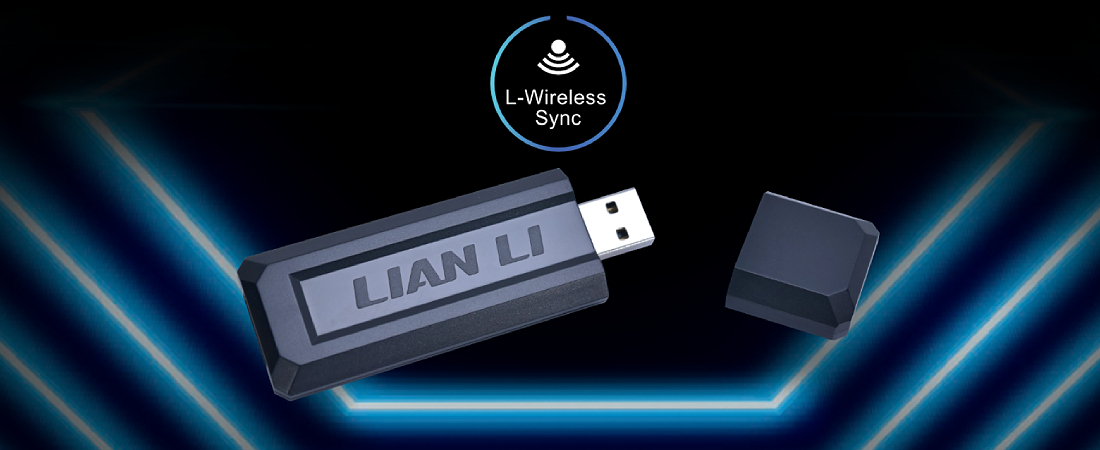
Convenient simultaneous control
With a single controller, you can simultaneously control ARGB lighting and fan speeds across all LIAN LI products that support L‑Wireless Sync. Switching between lighting modes, syncing effects, and adjusting speeds is all accessible and simple, even in systems with multiple fans and RGB components.
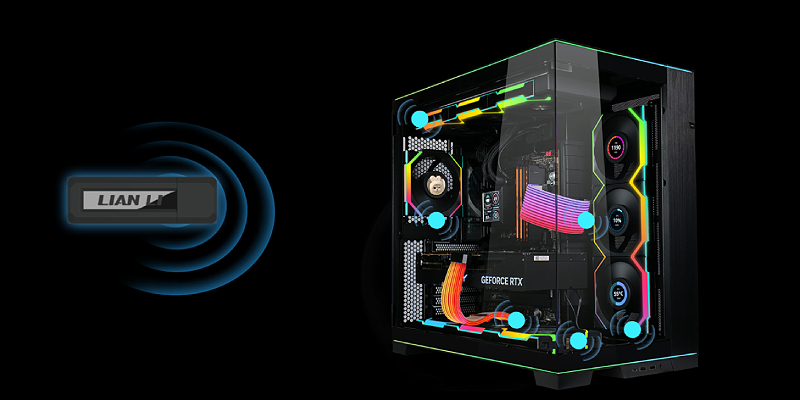
Stable, multi-channel 2.4GHz connectivity
The controller operates at 2.4GHz and can handle up to 10 channels simultaneously, ensuring a continuous and stable connection to all connected receivers. The optimized wireless communication reduces latency and enables smooth control even under load.
The system is future‑proof: ongoing support for additional LIAN LI models will let you expand and upgrade your case and cooling with ease, without changing the control setup or wiring.
Quick installation and two connection options
Installing L‑Wireless is especially simple and includes two connection methods to the motherboard, so you can tailor the setup to your system layout and personal preference. The connection is neat, space‑saving, and maintains optimal airflow in the case.
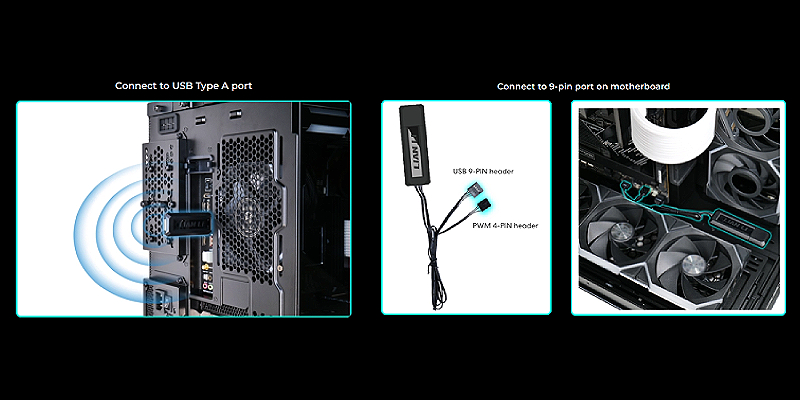
Important note: To synchronize fan speeds with the motherboard, select the second connection option and ensure the controller’s PWM cable is connected to the PWM header on the motherboard. This will ensure precise control and stable fan operation.
Additional power supply for fans
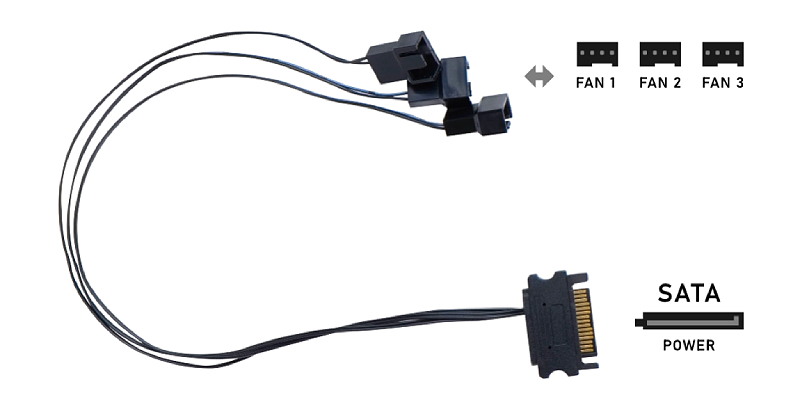
The kit includes a 3×12V PWM‑to‑SATA adapter that provides additional power for high‑draw fans. This reduces the load on the motherboard’s PWM headers and ensures reliable operation even in multi‑fan configurations.
If the motherboard’s PWM header supplies too little current (less than 1A) and you see a white flicker on startup, the power delivery is unstable. In this case, connect the fan to a different PWM header or use the included SATA‑powered adapter to ensure smooth operation.