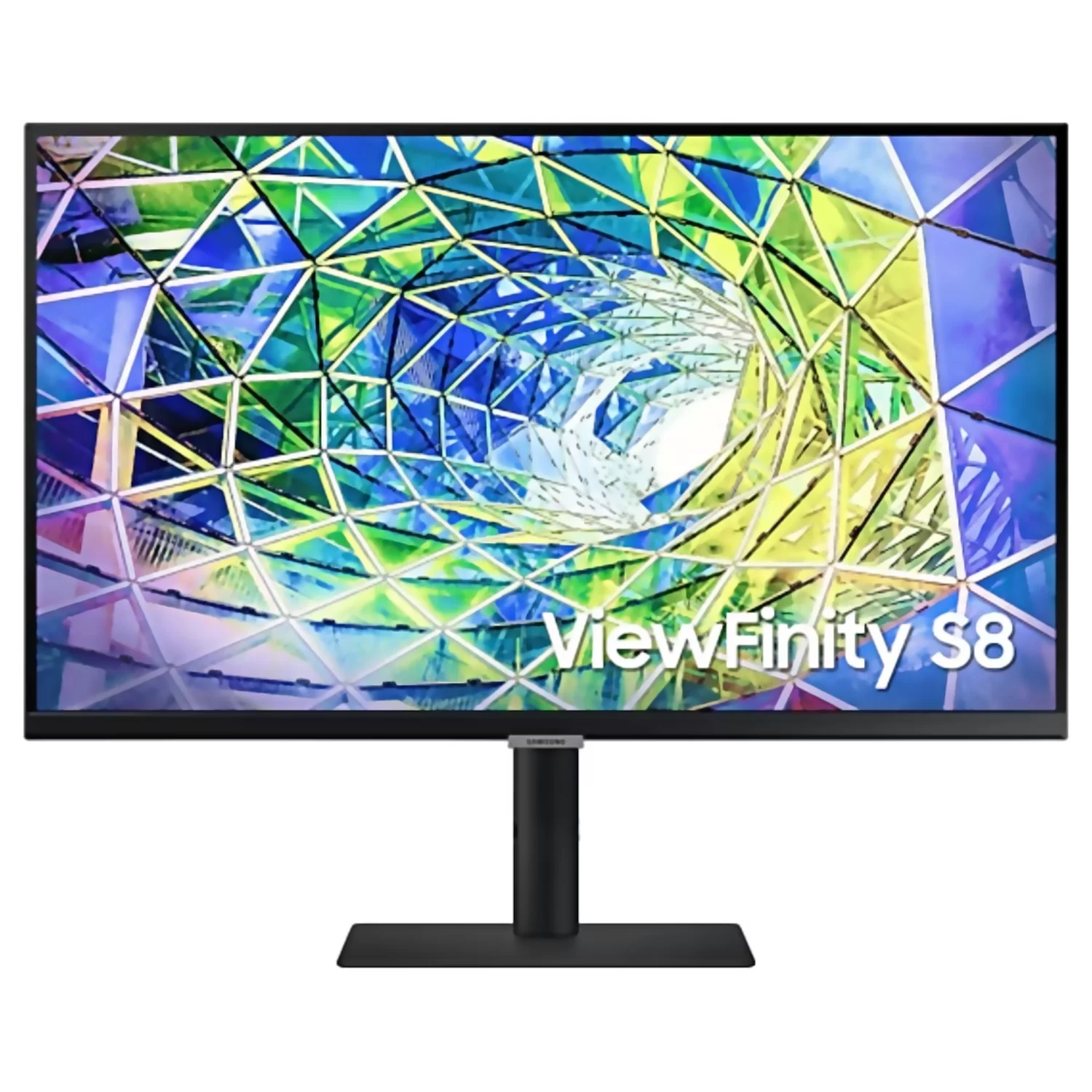
Samsung ViewFinity S8
Your gateway to a world brimming with creativity.
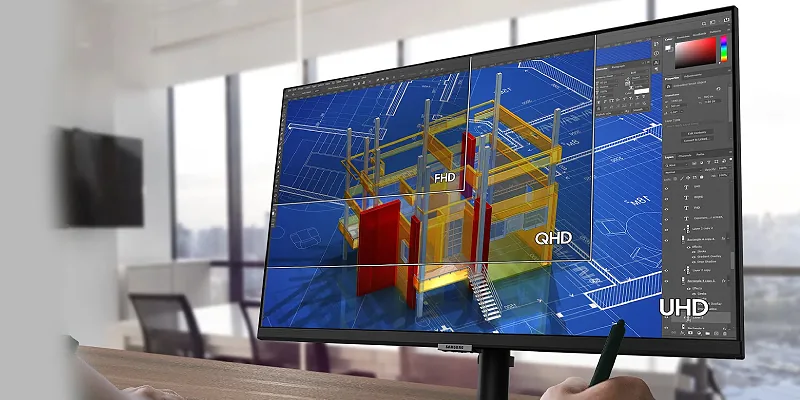
UHD Resolution
With four times the pixel count of FHD, details are displayed with incredible depth, offering you ample screen space.
You can utilize multiple tools, applications, and software simultaneously, creating a cinematic 4K experience both day and night.
IPS Panel
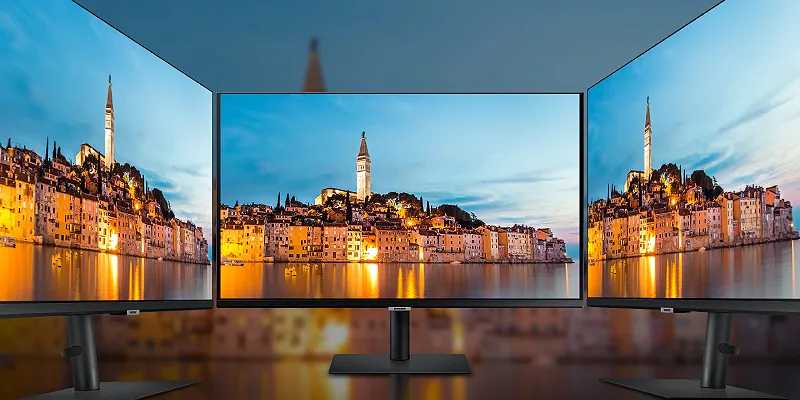
Designed for professional work environments: The S series monitors feature an IPS panel that delivers clear images and offers a wide 178° viewing angle.
Users can expect a viewing experience from almost any angle, with vibrant colors in every scene.
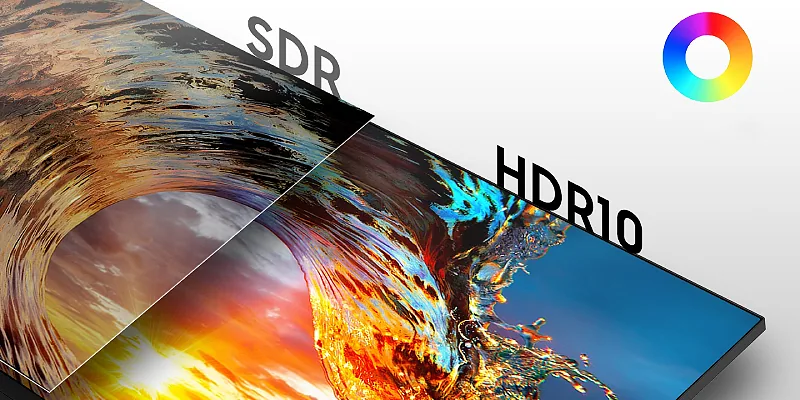
A Billion Colors with HDR10
Vivid colors and rich details: HDR10 enables nearly infinite colors and shades,
making dark colors appear darker and bright colors appear brighter, ensuring your content is displayed in the most accurate way.
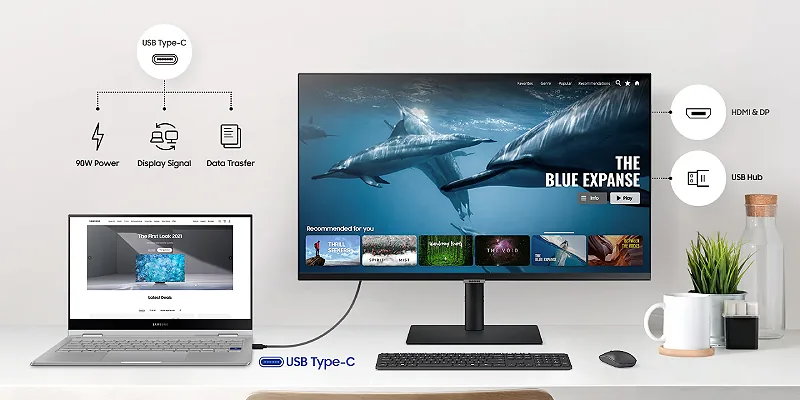
USB C
The integrated USB Type-C port with 90W power can quickly recharge your laptop and transfer data with just one cable.
Thanks to multiple USB 3.0 ports, you can connect your devices directly to the monitor, keeping your workspace free from cable clutter.
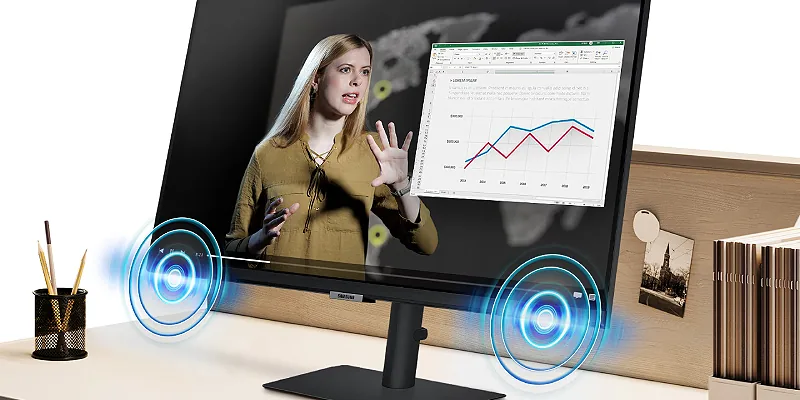
Built-in Speakers
Work, learn, and play without additional peripherals.
With built-in speakers, you don't need extra cables or external devices.
This provides a more efficient workspace and allows you to enjoy good sound quality.
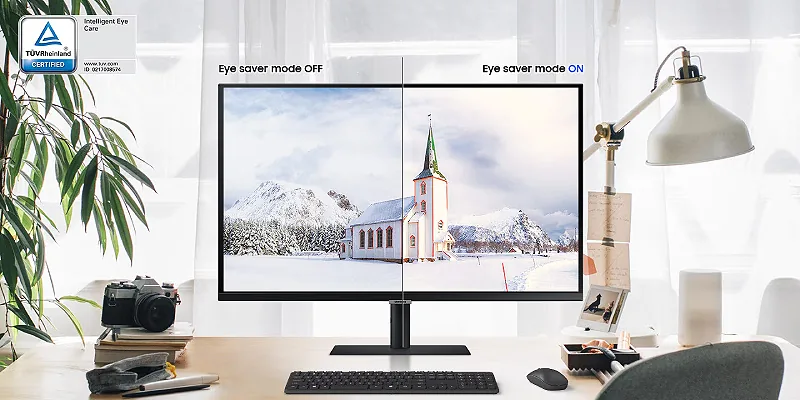
Eye Care, TÜV Certified
Protect your eyes from fatigue. During long workdays, brightness and color temperature adjust automatically to the environment and lighting conditions to regulate your vision.
With Eye Saver Mode and Flicker Free technology, Samsung reduces blue light emission and is TÜV certified.
High Comfort, Minimal Distraction
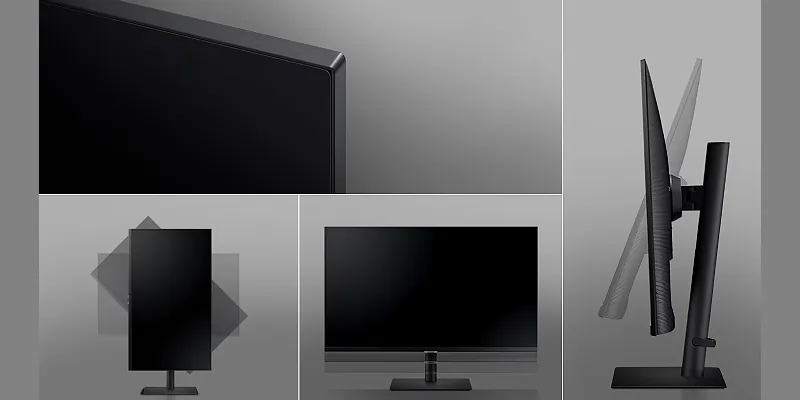
Find the monitor position that suits you.
Rotate the screen from portrait to landscape or adjust it higher or lower.
Tilt and swivel to find the right viewing angle.
The slim metal stand takes up little desk space, giving you plenty of room to work with.
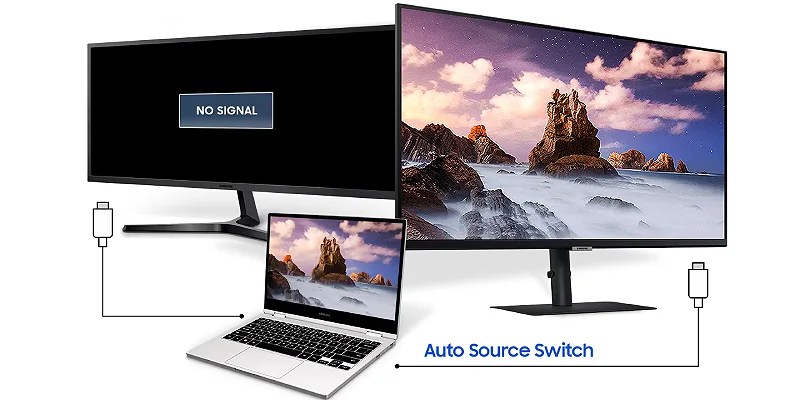
Auto Source Switch
Searching for the right input in the menu is a thing of the past.
Thanks to Automatic Source Switch Plus, your monitor detects newly connected devices and automatically shows you the correct signal.