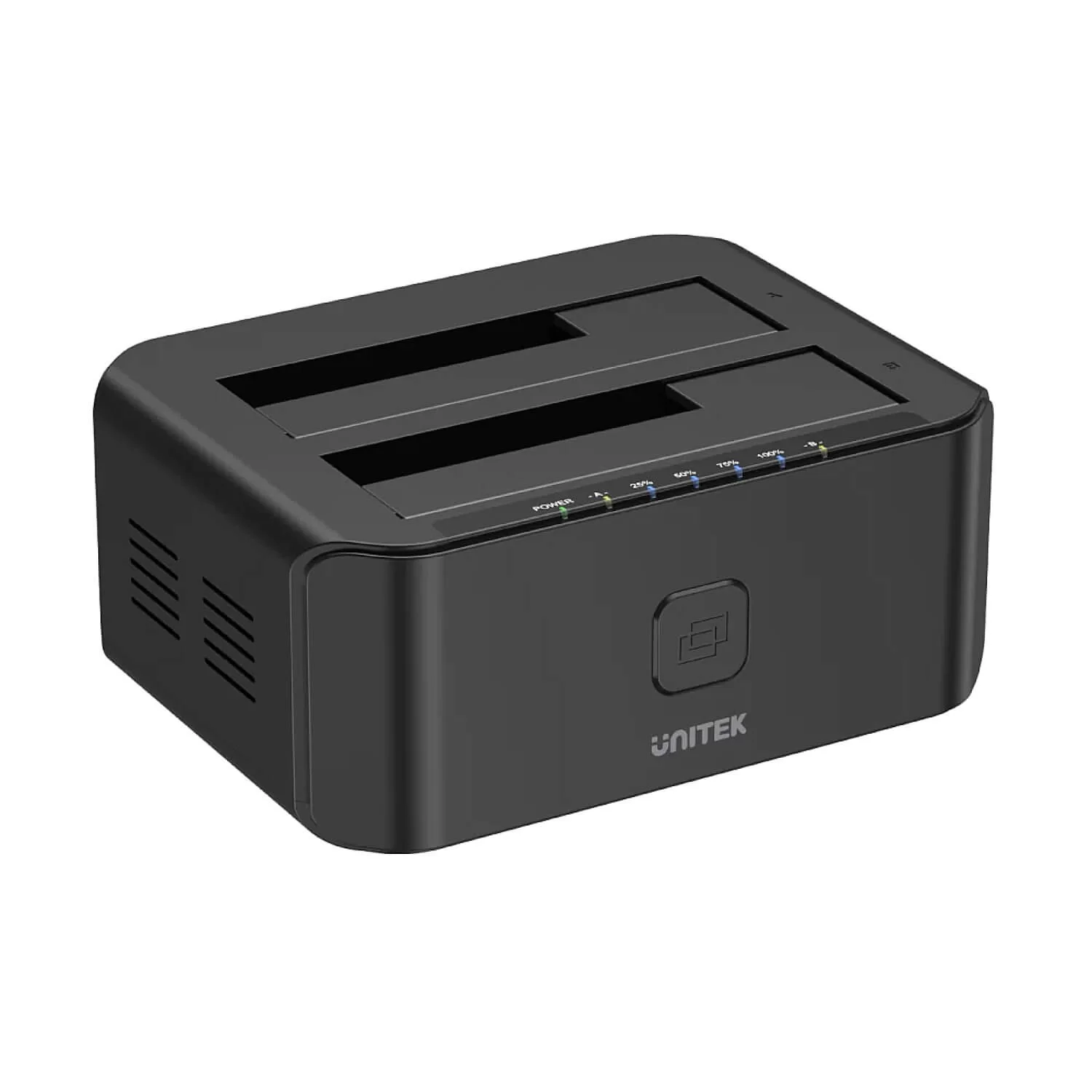
A hard drive docking station with two slots supports cloning without a Computer connection, allowing you to easily clone or copy two hard drives!
How to clone a hard drive:
1. Connect two hard drives, and identify the source drive and the target drive.
2. Connect the power supply and turn on the device.
3. Simply press the "Clone" button, and the cloning will start automatically.
Supports 2.5''/3.5'' SATA I/II/III hard drives and SSDs (no limit on disk capacity).
Supports USB 3.0 data transfer speeds of up to 5 Gbps, backward compatible with USB 2.0/1.1.
Supports UASP (USB Attached SCSI Protocol), providing faster transfers up to 70% faster read and 40% faster write than regular USB 3.0.
Standalone cloning: The docking station can perform cloning without a Computer connection.
Easy to clone data from one disk to another. Automatic sleep mode after 30 minutes of inactivity saves energy.
Stable power supply, with a 12V 3A power adapter.
With an indicator light, lights up when the device is powered on.
Plug and play, no driver needed.
Important reminder:
- The target disk must have more space than the source disk.
- Any bad sector on the disks may prevent cloning and cause overheating, which could damage the station.
- Do not attempt to insert or remove a hard drive or SSD while another disk is operating.
- Efficient 12V3A power supply ensures stable and reliable energy supply.
- It is recommended to format the hard drive to Mac OS Extended (Journaled) when using on a Mac.