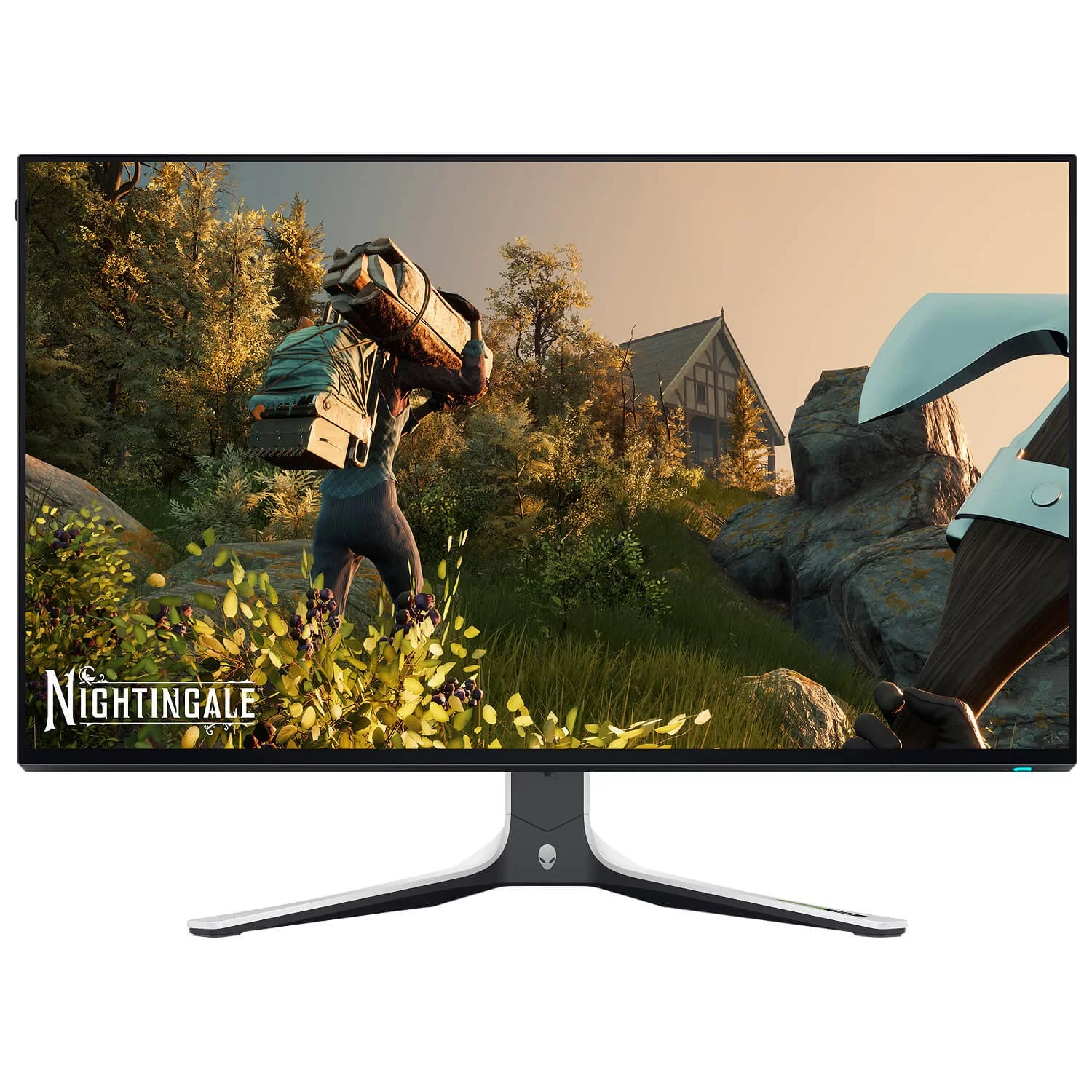
Dell 27" Alienware AW2723DF
Experience smooth and stable gaming with a variable refresh rate of up to 280Hz (overclocked) / 240Hz (native).
A fast IPS panel with a 1ms GtG (Gray to Gray) response time in Extreme mode ensures a lag-free gaming experience.
AMD FreeSync™ Premium Pro technologies, NVIDIA® G-SYNC® compatibility, and VESA AdaptiveSync certification ensure tear-free, stutter-free gaming with ultra-sharp graphics.
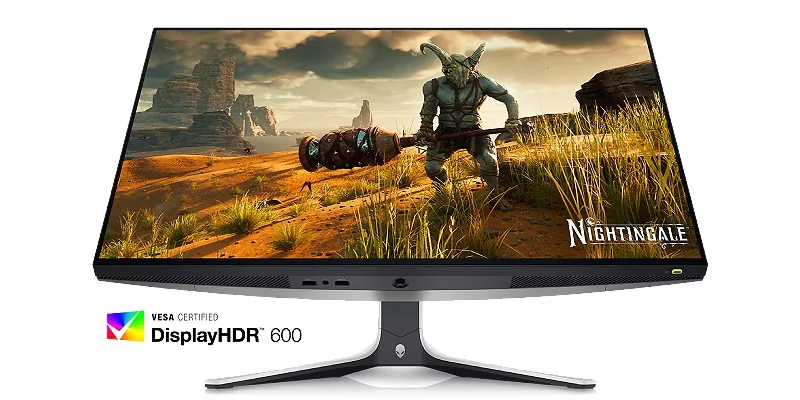
Perfect Picture
Experience vibrant colors from any wide viewing angle.
See everything on the InfinityEdge screen with IPS Nano Color technology that lets you experience dynamic and vivid colors
with 95% DCI-P3 color coverage and VESA DisplayHDR™ 600 certification for a truly immersive gaming experience.
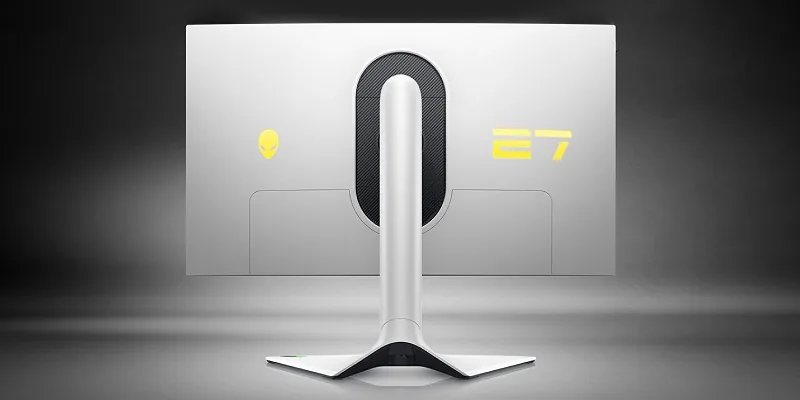
Functional Beauty
The 27-inch Alienware gaming monitor is a work of art with bold features.
The iconic Legend 2.0 design in Lunar Light finish seamlessly integrates into any gamer's setup.
With powerful AlienFX lighting, 360-degree ventilation, improved cable management,
and a fully adjustable stand including height for perfect comfort even during long gaming sessions.
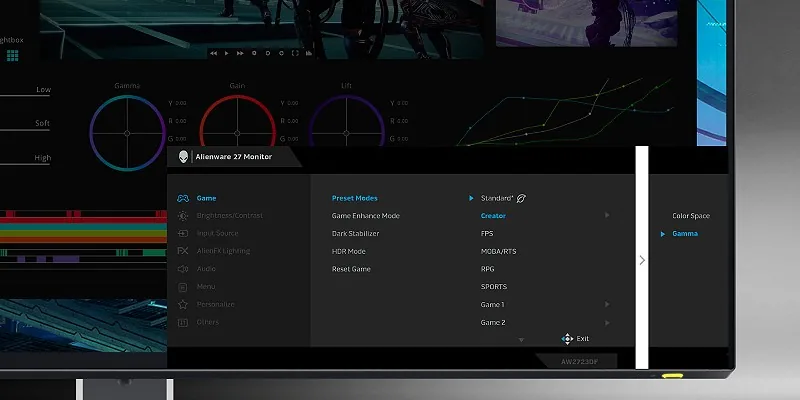
Maximum Flexibility
For content creators and game developers who need precise color work, the new Creator Mode is designed especially for you.
Choose between the original DCI-P3 color space and sRGB, according to your needs, including gamma settings adjustment capability.
PIP (Picture-in-Picture) and PBP (Picture-by-Picture) functions allow you to view two Computer sources simultaneously for improved multitasking.
Choose Your Viewing Angle
The redesigned OSD menu with a central joystick allows easy navigation between screen settings and features.
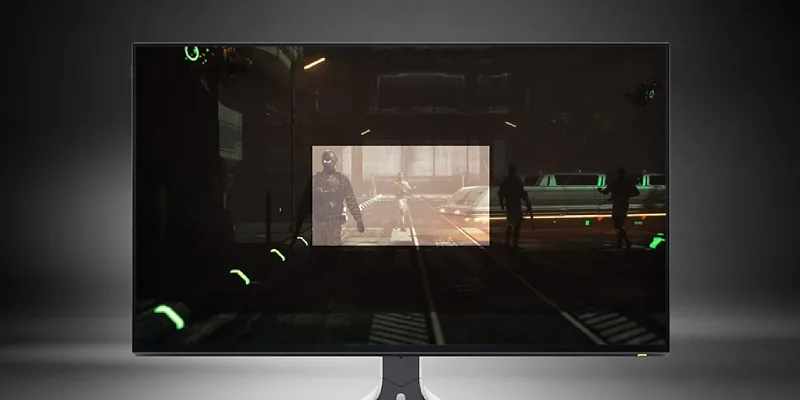
Among them, you will find AlienVision – four hardware-based display layers designed to enhance the viewing experience in real-time, based on the actual game.
Crosshair – Displays a fixed crosshair on the screen to facilitate precise aiming and hitting the target.
Night Vision – Enhances visibility by sharpening contrast and brightness in dark scenes.
Clear Vision – Sharpens the image by removing distracting elements like smoke, fog, or haze.
Chroma Vision – Displays a thermal map of the game according to a thermal color palette.
Comfortable for the Eyes
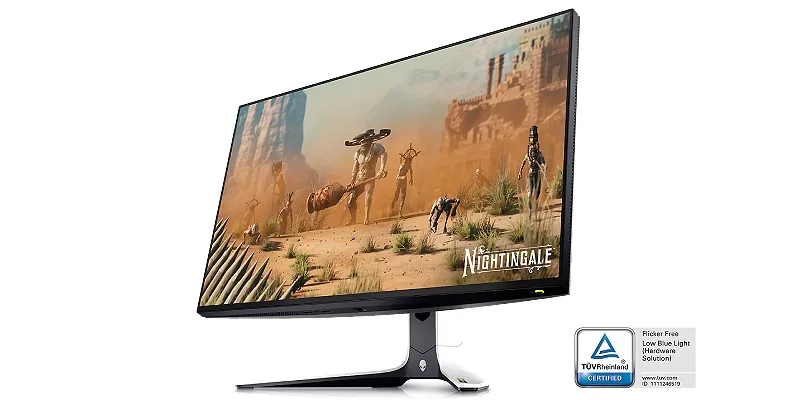
Start your next session with maximum eye comfort thanks to a flicker-free screen with TUV certification.
ComfortView Plus – an always-on internal blue light filtering technology that reduces harmful radiation without compromising color accuracy.
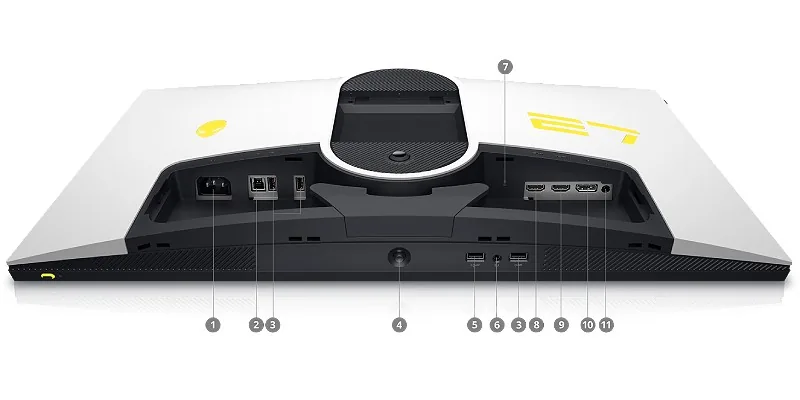
Inputs and Outputs
1. Power connector
2. Fast USB Type-B input (USB 3.2 Gen 1) for data transfer
3. Fast USB Type-A outputs (USB 3.2 Gen 1) – 3 outputs
4. Joystick for menu navigation
5. Fast USB Type-A output with charging capability
6. Headphone jack
7. Lock slot (Kensington Security Slot™)
8. HDMI input (1)
9. HDMI input (2)
10. DisplayPort
11. Line-out audio output