In the importer's stock
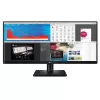
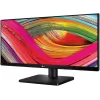
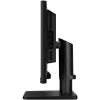

| Specification | |
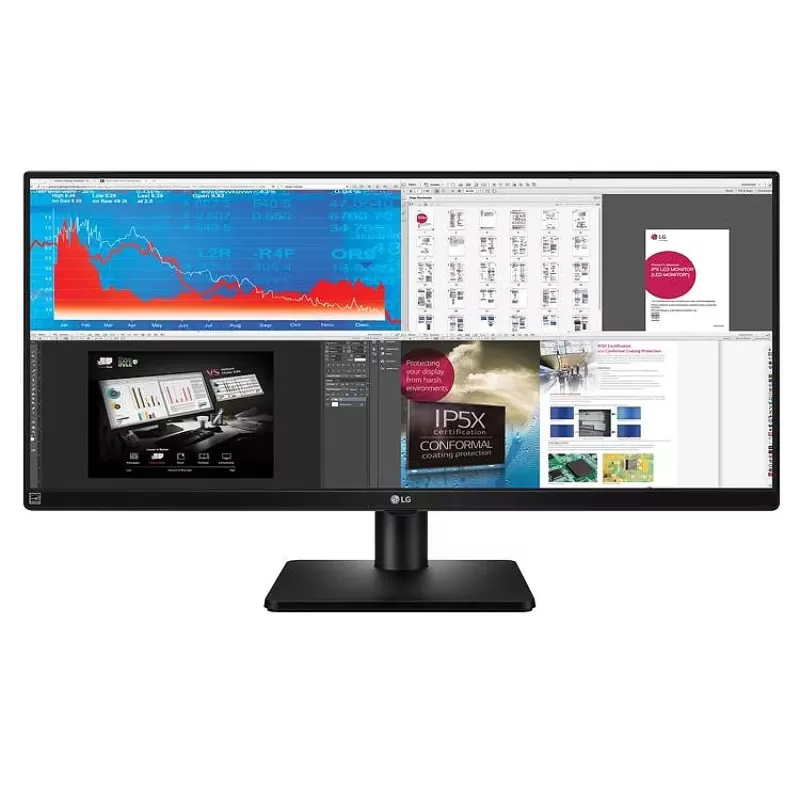
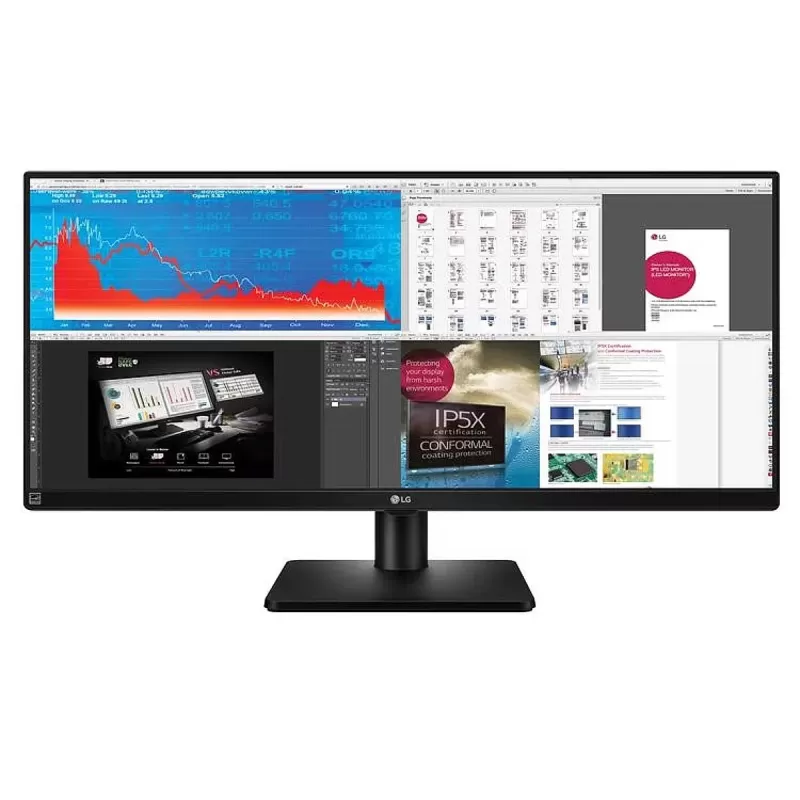
| Revew | 4-SCREEN SPLITEfficiently run multiple programs and display multiple active windows on the screen simultaneously. How to install and use the 4-screen split feature: 1. Install the 4-screen split software from the included CD. 2. Locate the 4-screen split icon [ ] on the taskbar. 3. Choose the desired split layout.
DUAL LINK UPFor business meetings, the dual link up feature allows two mobile devices, such as a Computer, camera, phone, or Blu-ray player, to connect to the screen and use them on one screen simultaneously.
FLICKER-SAFELG's Flicker-Safe technology protects users' eyes by reducing flicker to almost zero.
READER MODEWith a click of a button, Reader Mode allows reducing blue light emission that may cause eye strain.
|
| Review | |
| Warranty | 3 years |
| Service During The Warranty Period (Who To Contact) | Importer Lab |
| Manufacturer Part Number | 34UB67-B |
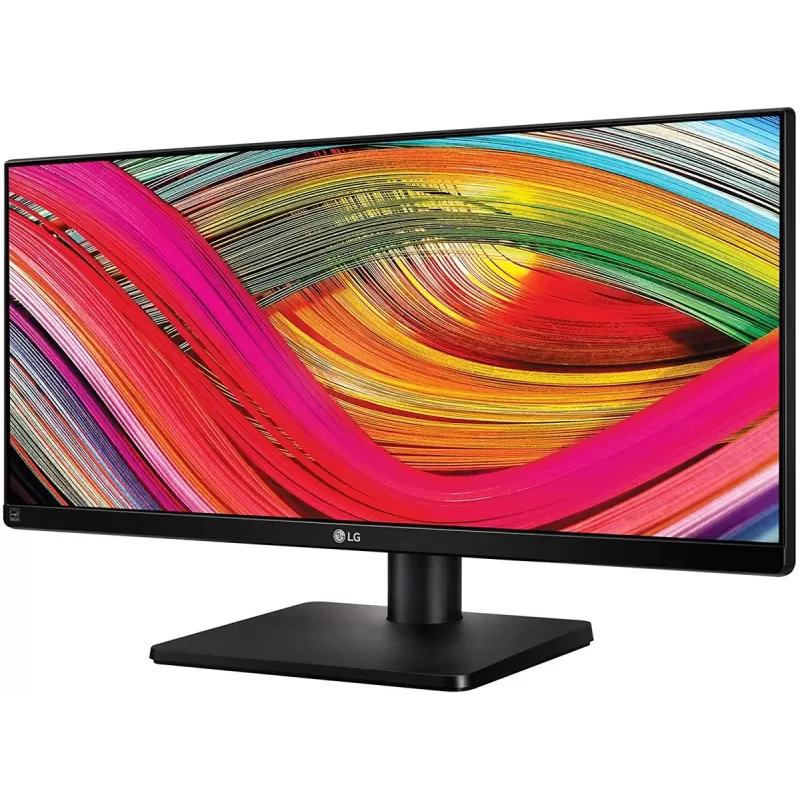
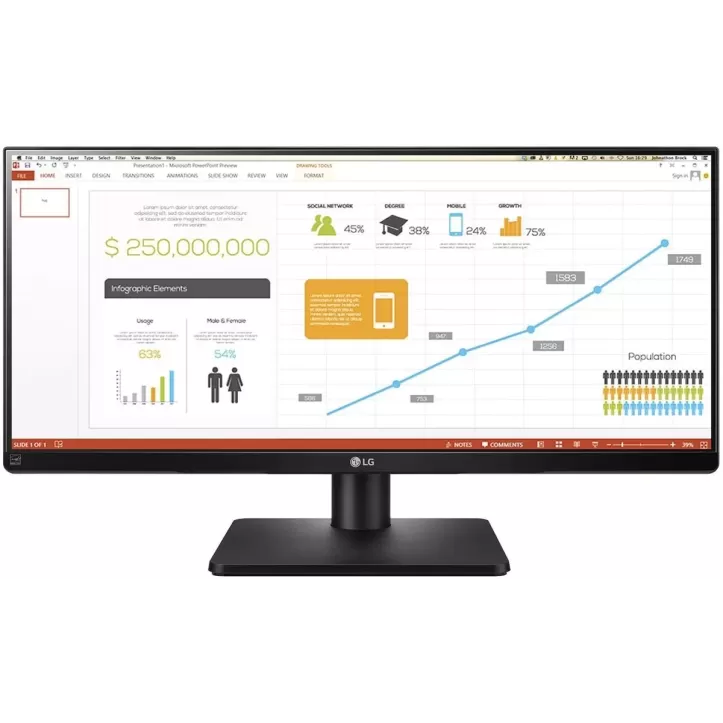
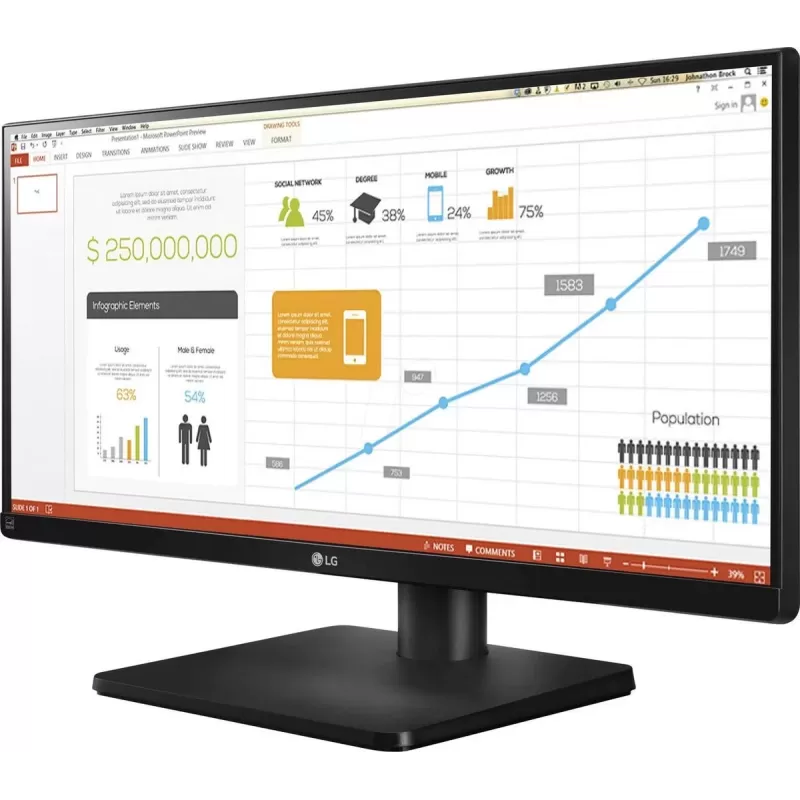
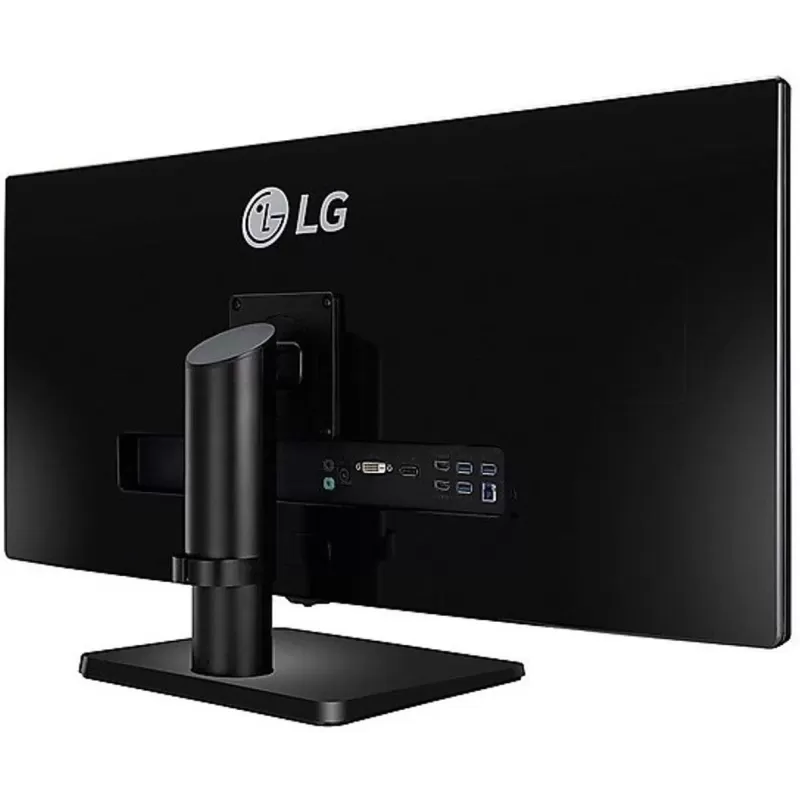
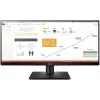
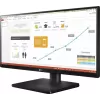
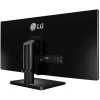
| Model | 34" FHD Led IPS 34UB67-B |
| Color | black |
| Condition | New |
| Manufacturer | Lg |
| Brightness | 300 cd/m2 |
| Contrast Ratio | 1:1000 |
| Display size classification | 34 inch |
| Frequency | 75Hz |
| importer | parallel |
| Properties | speakers, IPS |
| Resolution Classification | FHD |
| Response Time | 5ms (G to G) |
| Screen Size | 34 inch |
| Screen Type | IPS |
| Speakers | רמקולים מובנים |
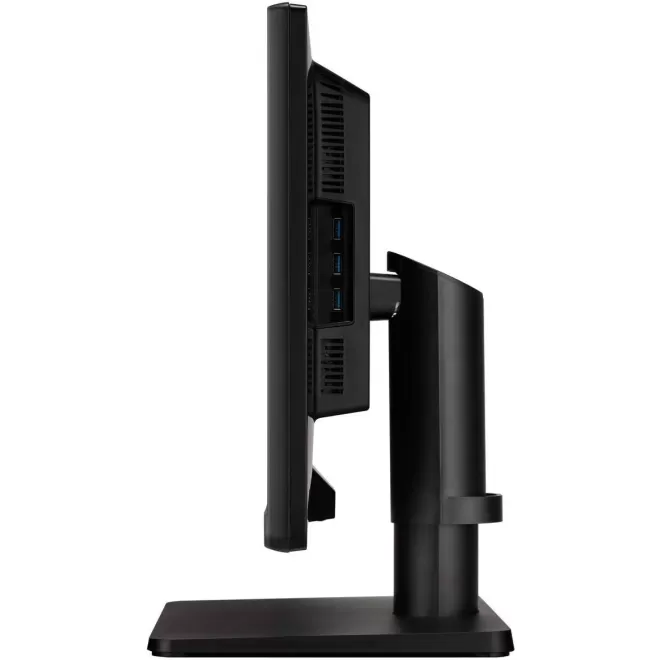
| Vesa wall mount | 100x100 |
| Link To The Manufacturer'S Website | |
| Product Link | Computer Monitor LG 34" FHD Led IPS 34UB67-B 34UB67-B 75Hz Color:black |
| Matching SKUs | ID:~61490~, NEW, OC: 38166, CD: 34UB67-B, MPN: 34UB67-B |